Be the Citys Villain PC and Mobile Controls
Bind takeoff so it is a reflex. The live HUD is the authority after every patch.
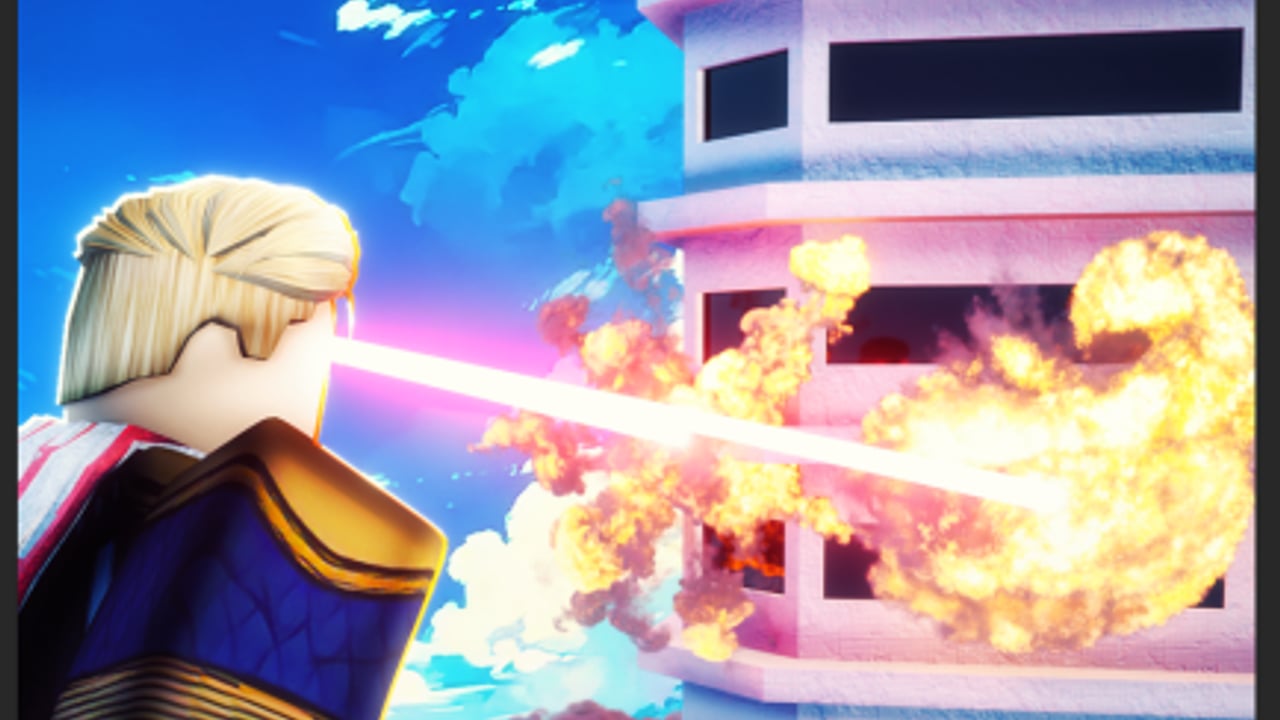
Controls in Be the Citys Villain are how Flight stays S-tier instead of becoming a drunk hover. This page is guidance, not a leaked keybind table from No brainer studio. Roblox experiences move buttons after patches, and Update 1 already rebranded the live title. Open Settings in the HUD after every shutdown and confirm your own map. If this wiki and the live menu disagree, the menu wins.
You are binding four verbs — fly, laser, slam, blast — plus camera and the mid-run shop. Getting Started is the session plan that uses those verbs.
Principle: takeoff without thinking
Every good run has the same muscle memory: slam (optional) → takeoff → move. If takeoff shares a finger with Heat Vision on mobile, you will beam the sidewalk and then eat a tank. If takeoff is a hold that you keep forgetting on PC, you will die in the crater the powers list warned you about.
Set Flight so it is:
- Reachable during a panic (not buried in a gesture menu).
- Independent from the shop button.
- Independent from chat.
Then practice ten takeoffs on a quiet roof before you pick a landmark.
PC guidance
Typical Roblox superhero layouts use WASD to move, Space to jump/take off, mouse to aim, left click or a number key for the beam, and extra keys for slam / blast. Your live build may differ. Do this pass once:
- Open Settings and screenshot the ability row so you are not guessing mid-fight.
- Put Flight on a bind you can hit while steering the mouse. Thumb or left-hand modifier beats a far number key if you slam often.
- Put Heat Vision on the easiest fire button. You will use it more than slam after wanted 40.
- Put Ground Slam on a key you will not bump while hovering. Accidental slams are tank donations.
- Put Chest Blast on a key you will not panic-mash. You need it at 55 / 75 / 90.
- Unbind whatever opens chat from the same key as paste, or you will dump a code into public chat.
Camera. Raise sensitivity until you can flick from a facade to a gunship without turning your whole body like a tank turret. Lower it if Heat Vision draws spirals. The beam is a mouse skill more than a damage skill.
Shop. Pick a key that is not slam. Open the panel only on a roof. The upgrade powers guide is the shopping logic; this page is just “do not bind shop to the crater button.”
Mobile guidance
Mobile is two thumbs, a dynamic joystick, and a HUD that loves to hide Codes under your flight stick after a patch.
- Joystick on the left, Flight on a right-side button you can reach without covering the beam.
- Heat Vision as a dedicated fire control, not a tap on the world (world taps drift).
- Ground Slam smaller or further from Flight so you do not crater when you meant to leave.
- Chest Blast harder to hit than slam. Accidental blast waste hurts hunter windows.
- Shop / Codes require a land. Autocorrect and the joystick will steal the first tap. Strip spaces before pasting a studio string from the codes hub.
If your device is small, use a claw grip or a trigger clip only if you can still tap Flight. Fancy hardware does not beat a clean takeoff.
Sensitivity. Start lower than you think. A stable hover farms more wanted than a cinematic spin. Raise it only when gunships start winning because you cannot check the sky.
Aiming each power
Flight. Treat it as a hover you steer, not a jump you mash. Change altitude after every facade so gunships cannot lead you. Survive the army is the why.
Heat Vision. Short bursts while moving beat a channeled line that paints your path. Lead moving armor; do not lead still buildings.
Ground Slam. Look at the exit heading before you commit. If you cannot point at sky on landing, do not slam.
Chest Blast. Shotgun, not second laser. Wait until a rival or mech commits. Then leave.
Co-op and crowded servers
Tell your partner your slam key so they can predict craters. Stagger shops so one villain is always flying lookout. On a 25-player public server, extra bodies will body-block takeoff — offset your hover. Tactics live on co-op tips; binds still matter more than callouts if you cannot leave the street.
Accessibility notes (honest)
We will not invent a colorblind mode the live game may not have. If the HUD offers reduced shake, larger buttons, or remaps, use them. Heat Vision is easier when the beam is bright against rubble; raise brightness rather than standing closer to a tank. If a control scheme fights you, simpler is correct: Flight, laser, one burst key, slam on a hold.
After a patch
Title changes like [Update 1] often shuffle HUD icons. Do a 30-second bind check before a 99 attempt. If Flight moved under the shop icon, you will discover it in a crater otherwise. Patch context lives on the Updates Hub.
Bind the exit. The city can keep the street.
Frequently Asked Questions
Quick answers for codes, wanted 99, bounty upgrades, and army fights.
What are the default Be the Citys Villain keybinds?
Use the in-game Settings list. This page does not invent a table the studio has not published. Confirm binds after every patch.
What should I bind first on mobile?
Flight on a reachable right-side button, Heat Vision on a dedicated fire control, slam somewhere you will not panic-hit.
Why do I keep slamming when I try to fly?
The two buttons are too close or share a gesture. Separate them, then practice takeoff on a quiet roof.
Can I open the upgrade shop in the air?
Only if the live UI allows it. On mobile, land first. Shop logic is on upgrade powers.
Where do I paste codes on PC?
In the Codes box, not in chat. Click off chat before Ctrl+V. Full steps: How to Redeem.